
Oura Ring Sleep Score Dropping? How to Handle Nighttime Wakeups
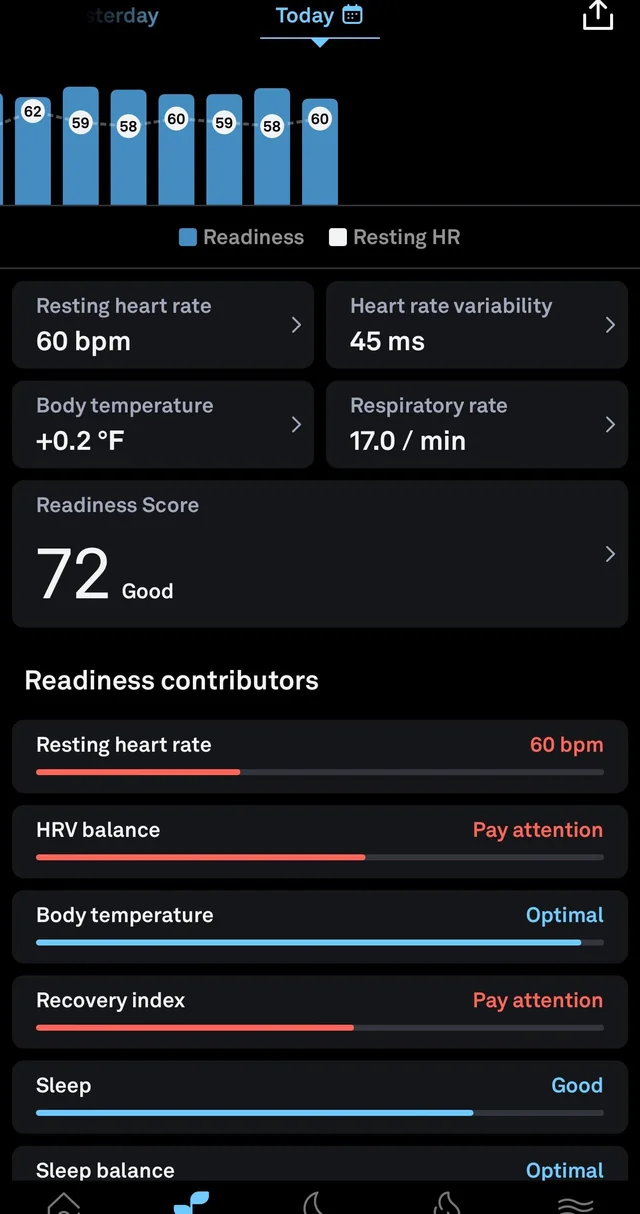
you went to bed on time, wore your ring, and woke up to another disappointing Sleep Score. If that sounds familiar, start with one reassuring thought: a low score is information, not a verdict on your health. Oura estimates sleep using signals such as movement, heart rate, temperature trends, and sleep timing. A few restless nights can pull the number down, but the useful question is what changed and whether the pattern continues.
Here is a practical way to investigate nighttime wakeups without chasing a perfect score.
First, identify what actually fell
Open the sleep details in your Oura app and compare several nights, not just yesterday. Did total sleep time fall? Did you spend more time awake in bed? Did your bedtime shift? Restfulness, sleep efficiency, timing, and sleep stages contribute differently to your score. If you wake briefly and fall back asleep, that is not automatically a problem; repeated long awakenings and tiredness the next day deserve more attention.
Look at the week before your score dipped. Note travel, work deadlines, a new exercise schedule, illness, or a warmer bedroom. For readers in London, elsewhere in Europe, or the USA, late flights and time-zone changes can disrupt a familiar routine even when bedtime appears reasonable on the clock.
Common reasons you keep waking up
Evening caffeine can linger longer than expected. Alcohol may make you sleepy initially but leave the second half of the night more fragmented. Heavy late meals, hard workouts close to bedtime, and a hot or noisy room may also coincide with more wakeups. Stress is another frequent culprit: your body may be tired while your mind is still replaying tomorrow’s tasks.
Try changing one factor at a time. Move caffeine earlier, finish a substantial dinner sooner, keep the bedroom dark and comfortably cool, or give yourself a calmer wind-down. If you are waking to use the bathroom, consider when you drink fluids in the evening rather than restricting hydration throughout the day. Give each adjustment several nights before deciding whether it helped.
Check your Oura settings and the ring itself
A sudden data change is not always a sudden change in sleep. Make sure the ring fits securely, has enough battery for the night, and syncs regularly with the app. Keep the app updated. If a night looks unlike what you remember, review its recorded bedtime and wake time; Oura can occasionally interpret lying still as sleep or movement as wakefulness. Do not treat a single graph as a diagnosis.
If bedtime has gradually drifted, turn on Bedtime notifications in the Oura app under Settings → Notifications. The recommendation helps you plan a consistent wind-down; missing it does not directly penalize your score. If you feel unwell, Rest Mode may help you focus on recovery instead of activity goals. Changing settings cannot eliminate genuine wakeups, but it can make your data more useful.
Does your Oura generation matter?
Gen3, Ring 4, and Ring 5 can all help you spot sleep patterns, with detailed insights depending on an active membership. Ring 5 has a smaller profile than Ring 4, but buying newer hardware does not automatically improve sleep. If an older ring fits poorly, loses charge overnight, or leaves frequent data gaps, check fit, battery, and syncing before considering an upgrade. Use the sizing kit intended for the exact generation; a Ring 4 sizing kit should not be used to choose a Ring 5 size.
To compare what is currently listed, browse the GalaxyRing Store shop and its Oura Ring 5 listing. Check the model, size, condition, seller details, final shipping costs, warranty eligibility, and return terms before paying. Availability and delivery to London, other European destinations, or the USA should be confirmed at checkout. A discounted ring is not a treatment for sleep problems.
Try a seven-night reset
For the next week, aim for a similar wake time each day and allow enough time in bed for the sleep you need. Keep a short note on caffeine, alcohol, meals, exercise, stress, and overnight awakenings. Each morning, compare how rested you feel with the trend in your app. This is more useful than repeatedly checking a score at 3 a.m., which can make it harder to return to sleep.
If you wake, keep lights low and avoid watching the clock. When sleep does not return, a quiet, relaxing activity away from bed can be more helpful than struggling to force it. Come back when you feel sleepy.
Know when to get help
If wakeups persist, leave you exhausted, or come with loud snoring, gasping, or breathing concerns, speak with a healthcare professional. Oura can help you notice patterns and describe them, but it cannot identify the cause or rule out a sleep disorder. Progress means better rest and daytime functioning, not merely a higher number on your phone.
Leave a Reply